Improve Your Aim with a Custom Mouse Acceleration Curve
Tell your aim coach how it feels. Personalized curves for aim, built around your playstyle.
One plan. Pay for a day, a week, a month or a year. From $8.99.
One plan. Pay for a day, a week, a month or a year. From $8.99.
From problem to solution
Aiming can be hard. Face your Issues.
You often feel like your Sensitivity is either too fast or too slow, and through that not precise enough. So you often feel frustrated and feel like it limits your full potential as a player.
Aiming should just feel natural for maximized confidence and fun.
I know that feeling.
That is how I started four years ago before exploring Mouse Acceleration.
And within my journey I gained a total of over 1,900 RR in VALORANT and have 80k followers on TikTok, where I am known for my Aim.
That is why I want to share my knowledge to help you become your best self.
What the community Discord says.
Real results from real players.
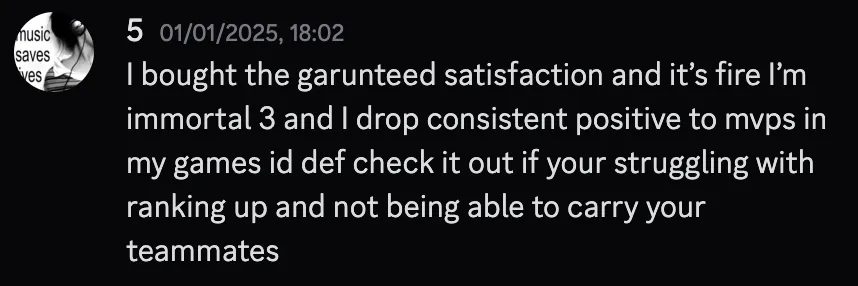
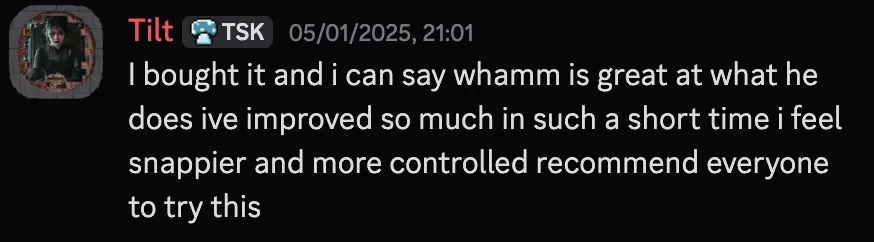
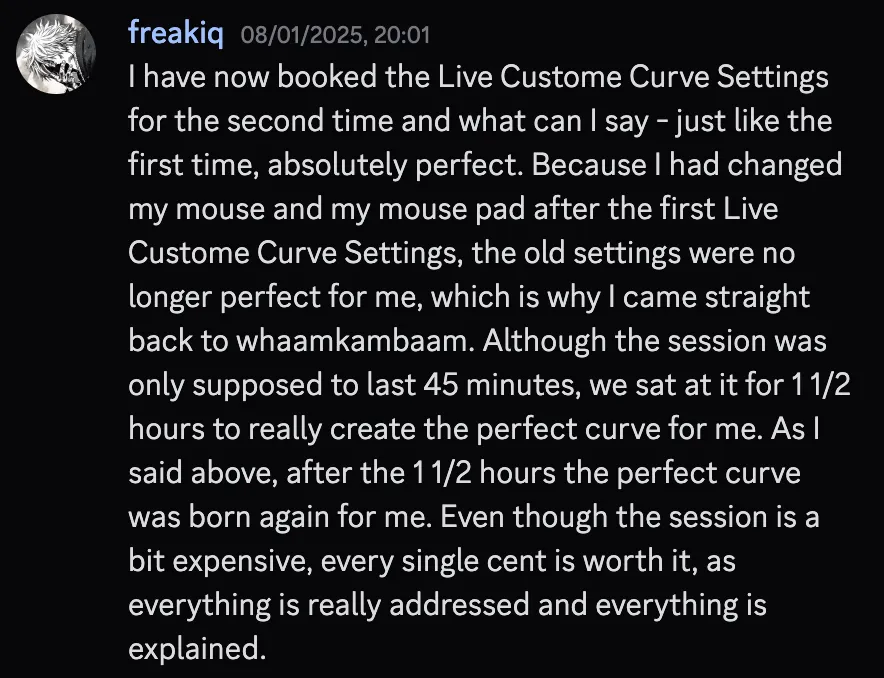
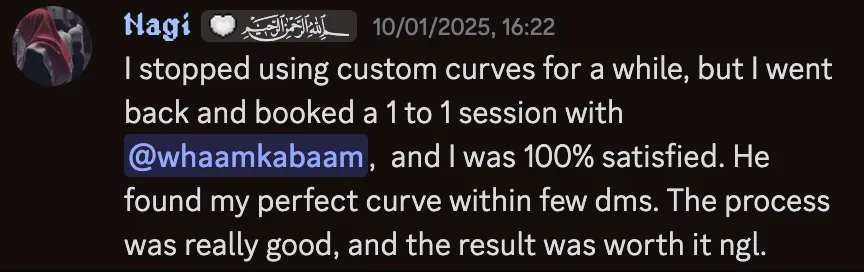
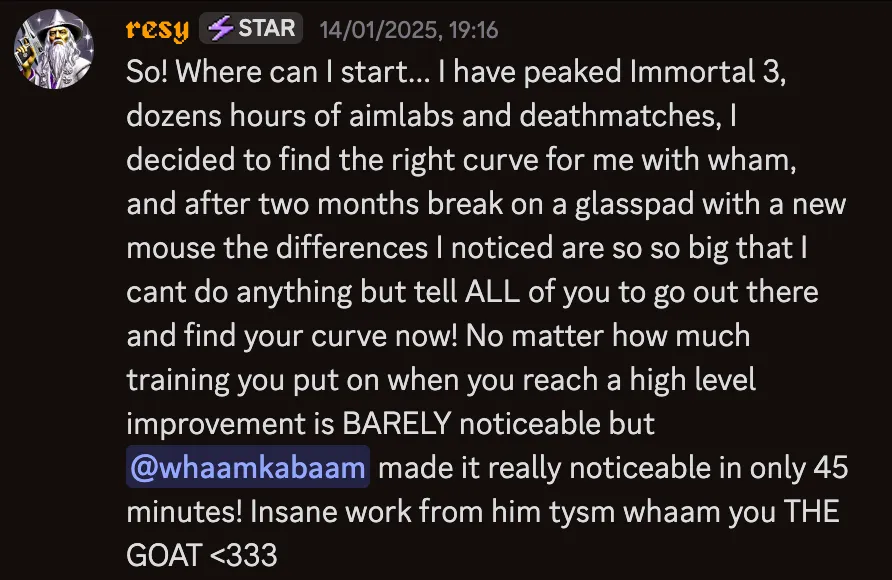
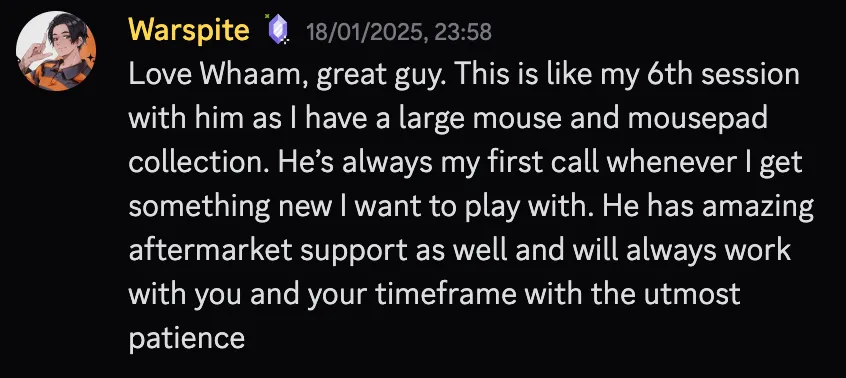
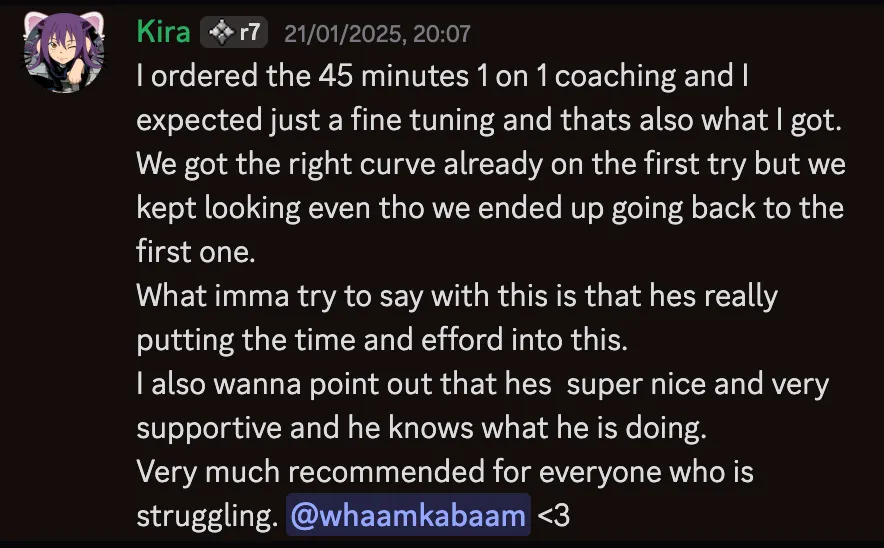
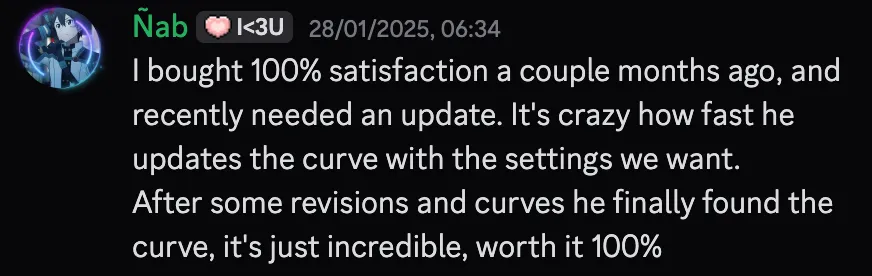
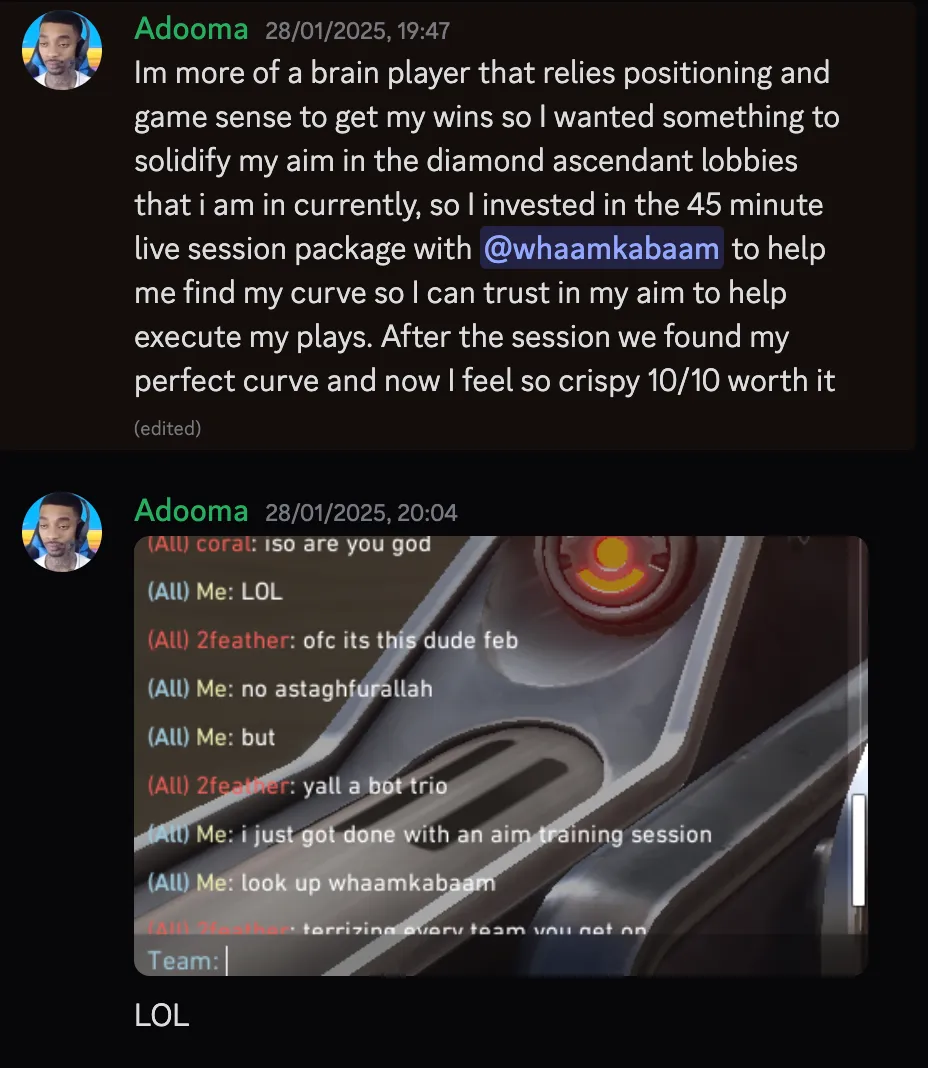
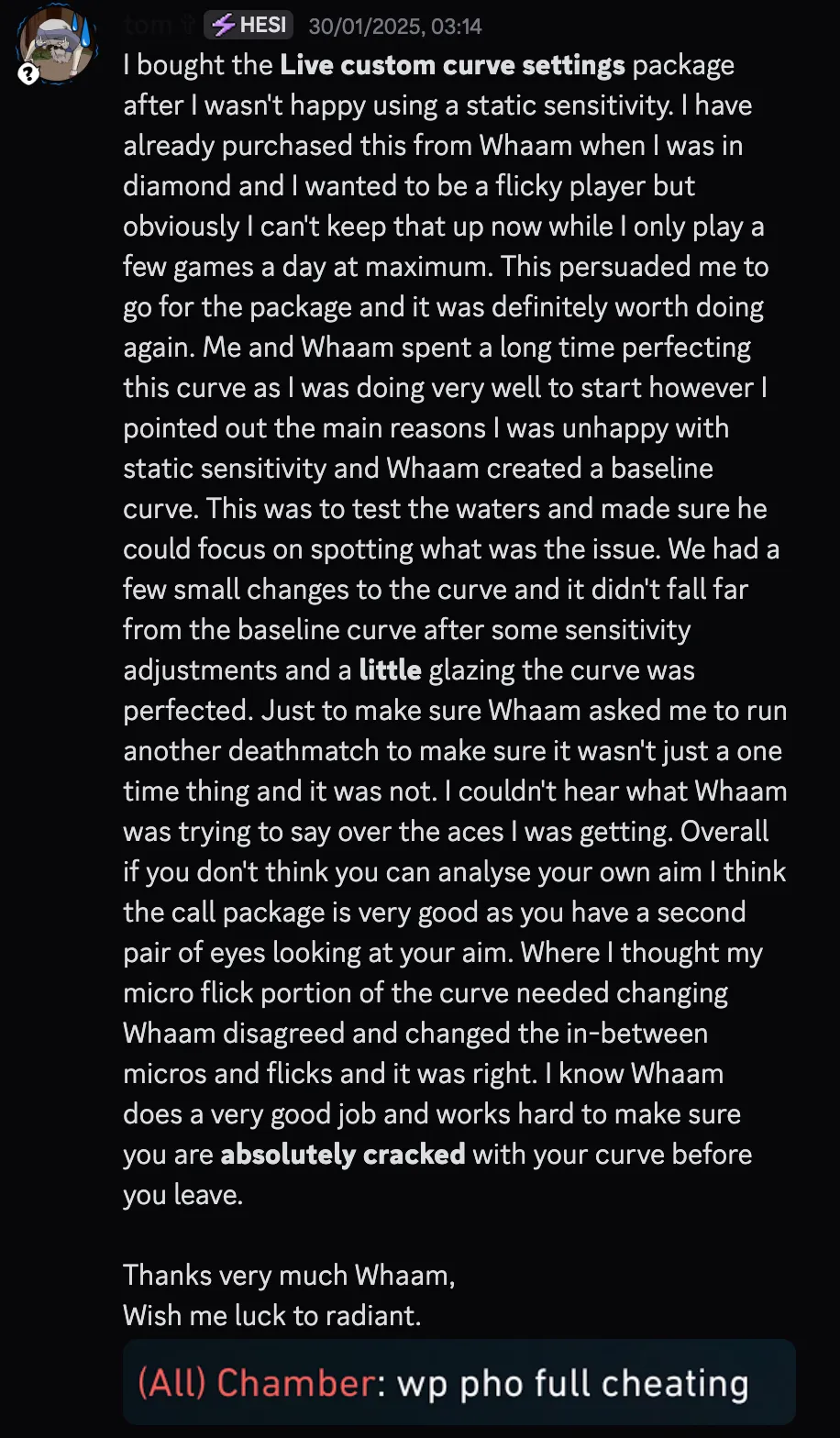
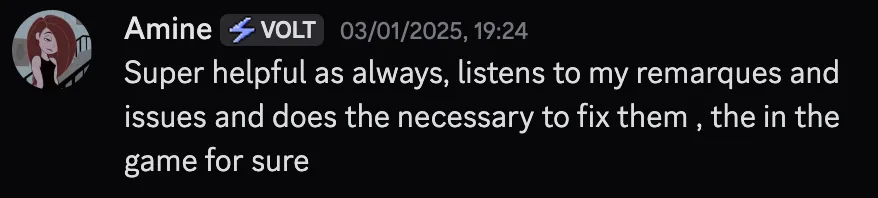
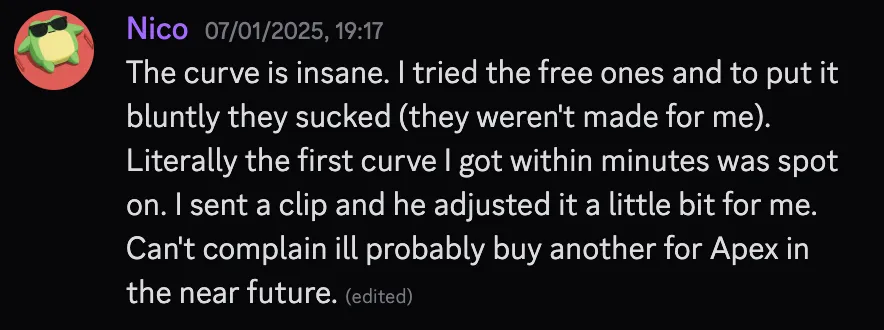
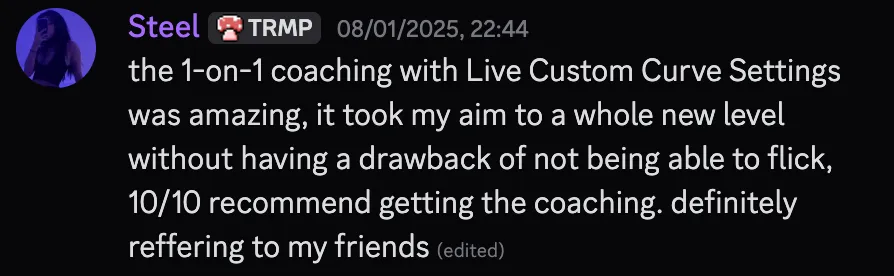
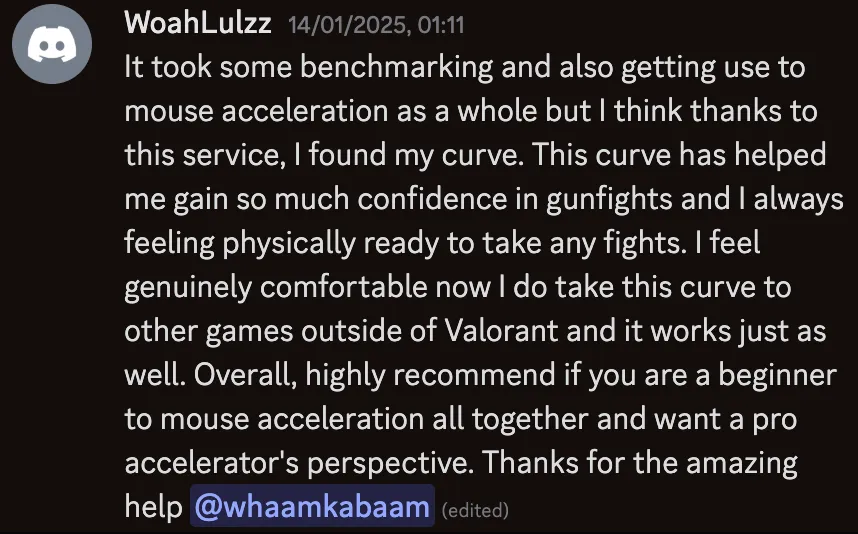
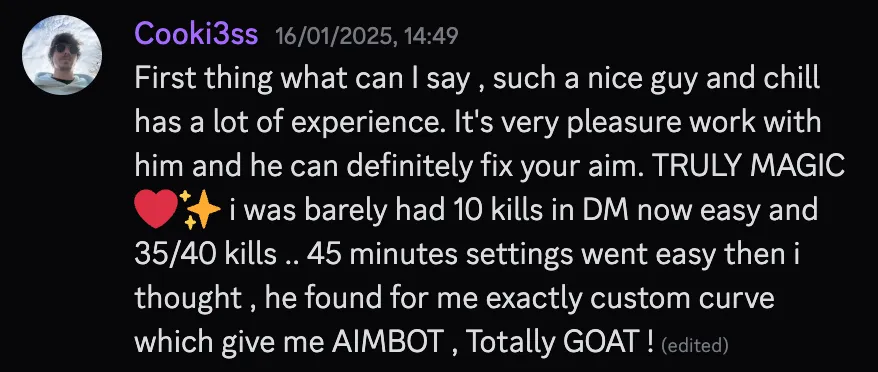

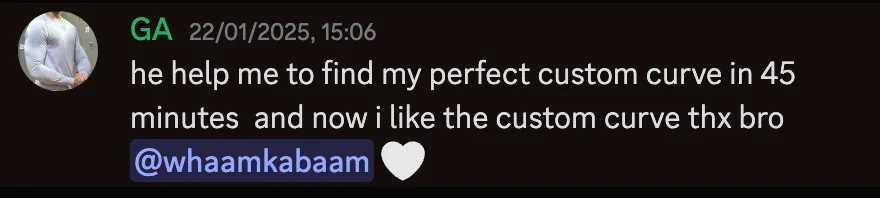
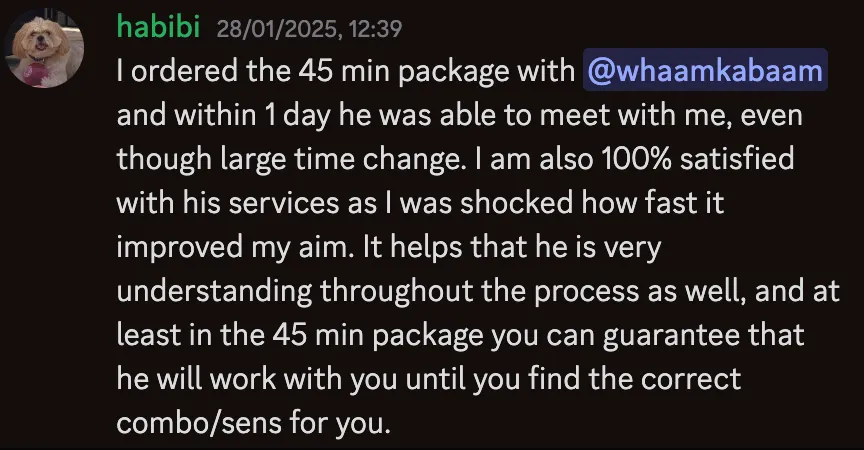
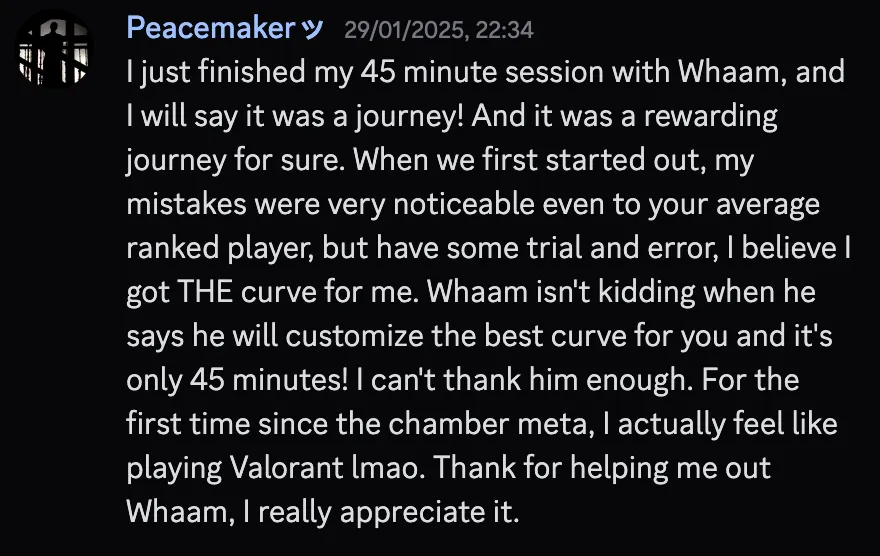
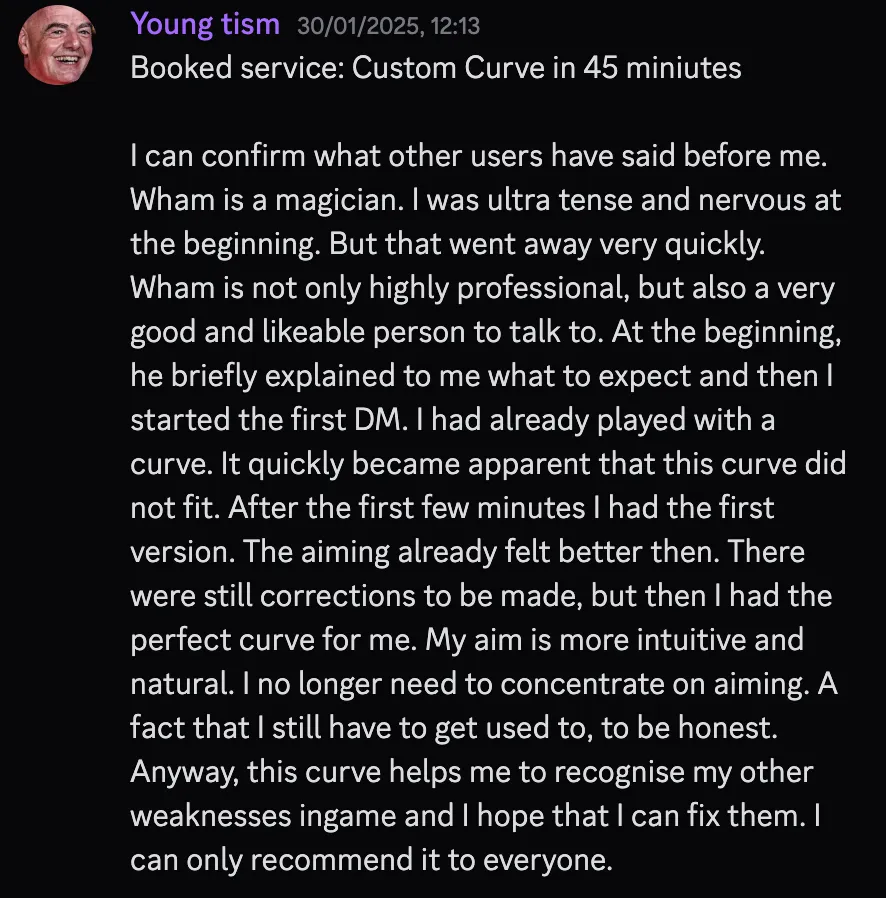
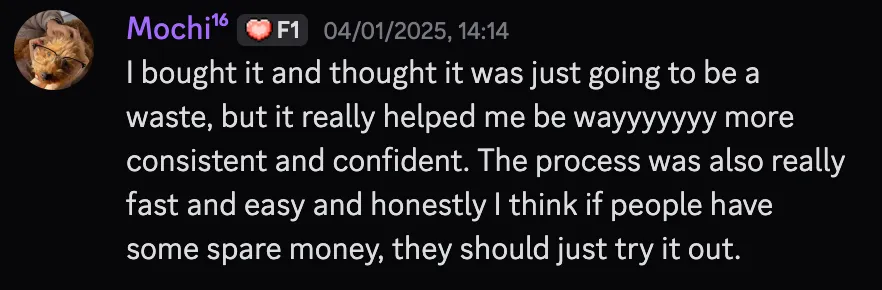
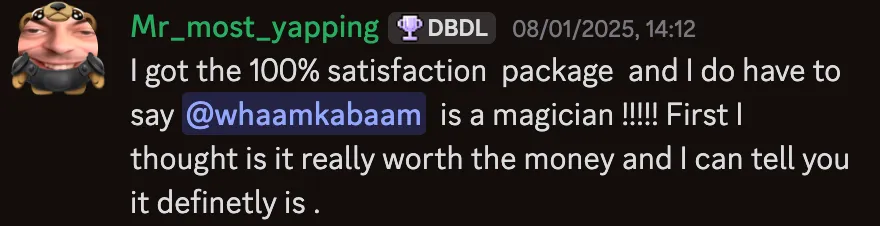
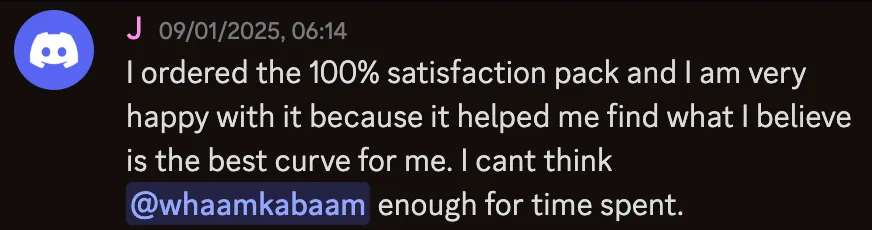
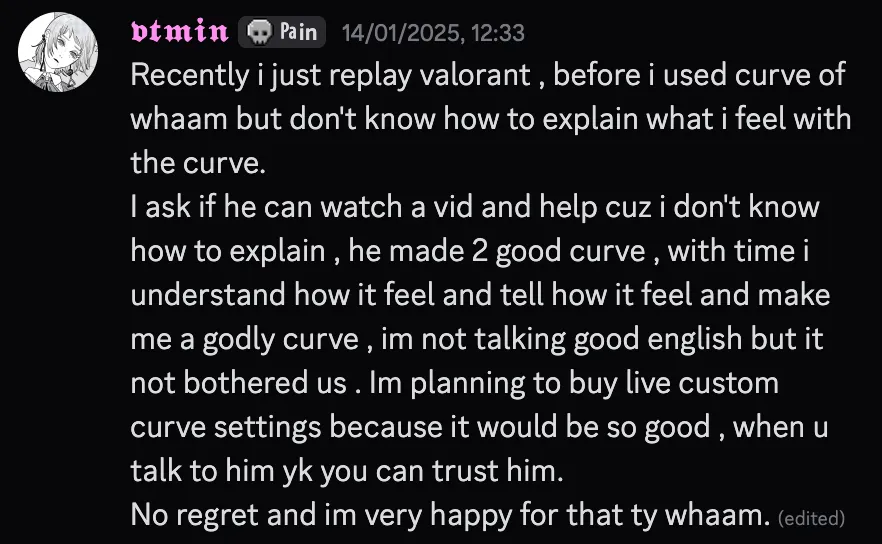
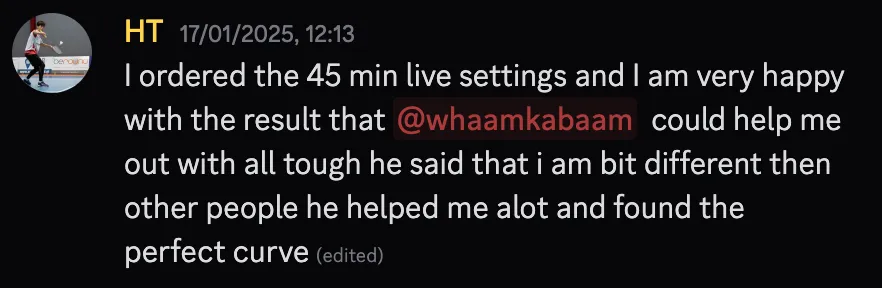
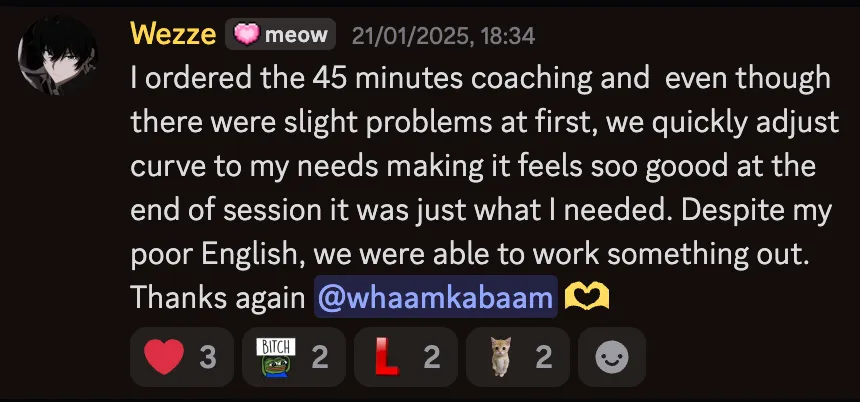
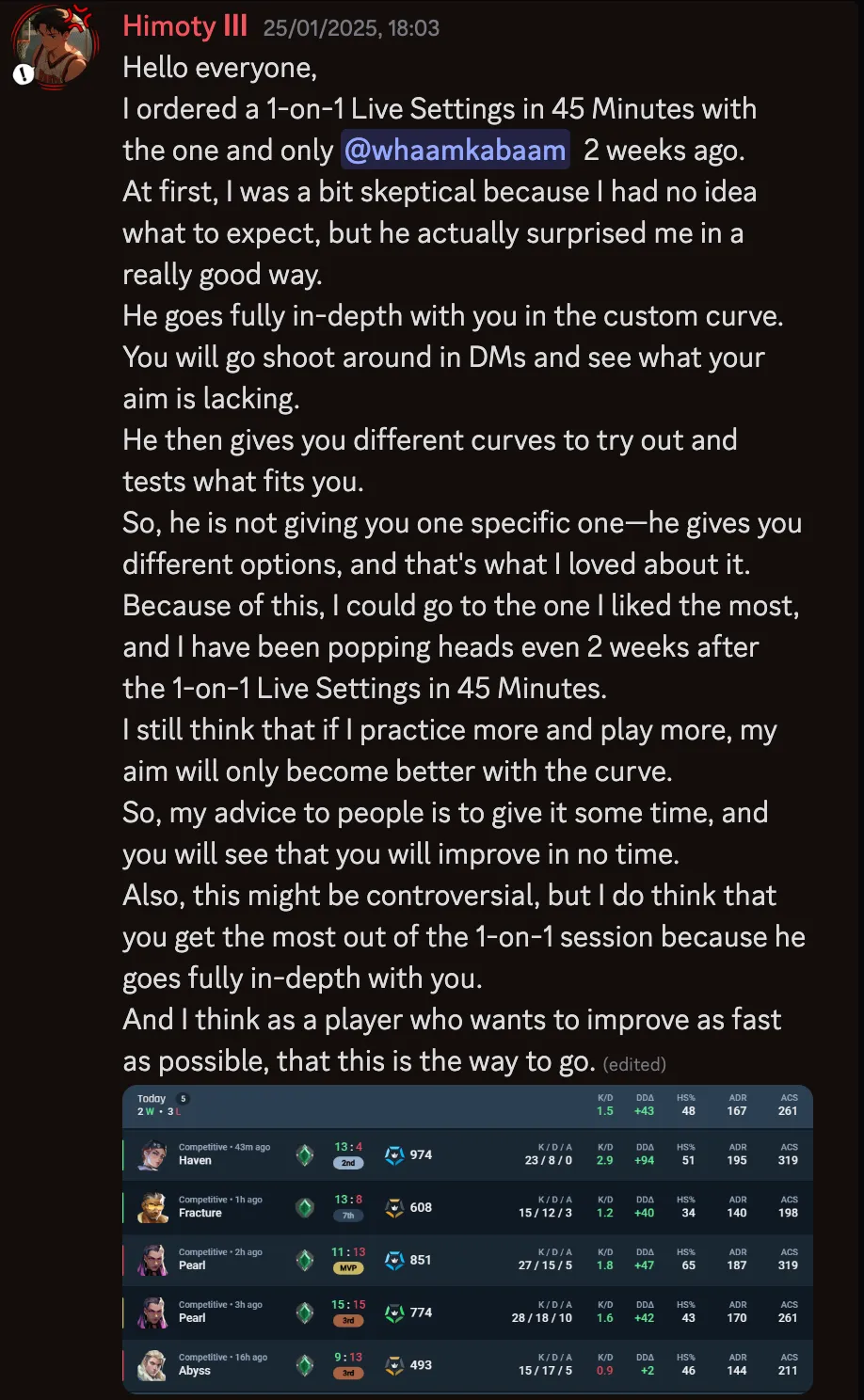
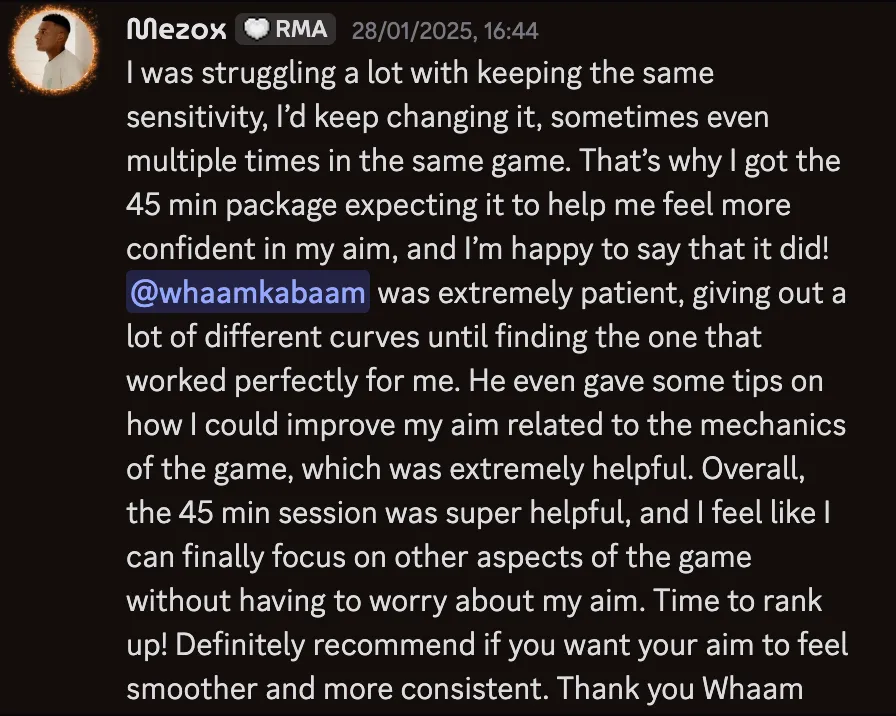
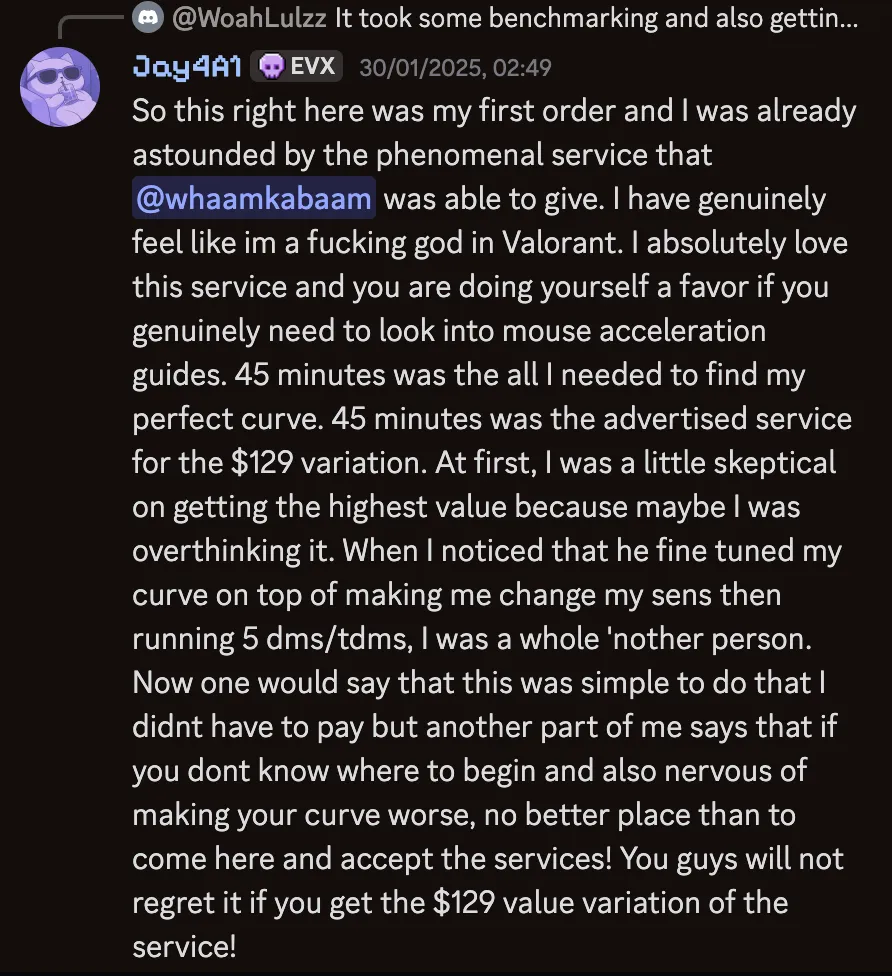
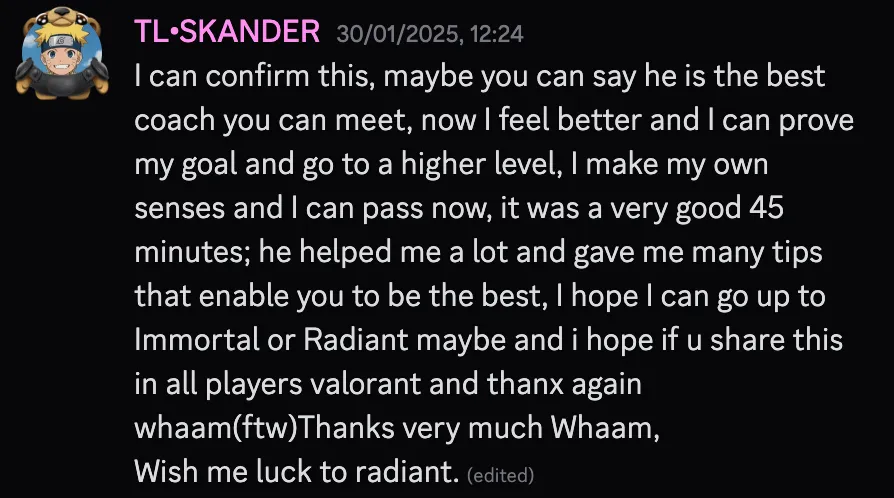
You know the feeling those are about. Too fast one round, too slow the next, and rarely your fault.
Your curve evolves with you
Meet your AI aim coach.
Play, then say how it felt in your own words.
Say it. Flicks overshoot, micros feel shaky.
It fixes that spot. A targeted edit, named in your words.
It learns what works for you. What felt off and what felt right both shape the next edit.
Every session starts smarter.
*Not an AI wrapper. The chat is only the interface; every edit is computed by a proprietary adaptive engine.
Hey, how is your aim today?
micro adjustments are a bit too high
Pulled your micro adjustments back a touch.
my_aim v5. Slowed your micro adjustments
still off
Which movements?
Flicks at mid range, 180s and big flicks
180s and big flicks
Pulled your close range back.
my_aim v6. Slowed your close range
this feels perfect
Saved as your favorite. Telling me a curve feels right teaches the system what works for your hand.
my_aim v6. Saved to favorites
This is a demo of a coach session. In the studio you are chatting with an AI coach.
What a real session feels like
Say how it feels in your own words. The coach moves the part you named and leaves the rest of your curve alone.
Say it your way
Shaky micros, sluggish tracking, too hot up close. However it comes out, the coach reads where you mean and which way to move, then edits exactly that spot. When a message could mean two places, it asks instead of guessing. Tap a phrase.
How has the aim been feeling lately?
It moves one part, not the whole curve
Name the place and the coach moves only that part of your curve. Micros too shaky? The slow end comes down. Close fights too hot? The fast end comes down. Everything else stays exactly as you had it, and every change saves as its own version, so nothing you liked gets painted over.
Pulled your close range back.
my_aim v6
Slowed your close range
Lock in what feels right
When a curve feels perfect, say so. Saying it feels right is feedback the system learns from, and the curve lands in your library as a favorite you can always come back to.
Curve #6 • Jul 12, 2026
Curve #5 • Jul 11, 2026
Curve #4 • Jul 9, 2026
The alternative is the one you know: change a number, play a night, wonder whether it helped.
It learns how you aim.
Every edit is computed from your own data, and each change builds on the last.
This was never about finding a better sensitivity. It is about aim that feels like yours, and now you can just say so.
One plan. Pick how long.
Every length is the full studio. The longer you go, the less each day costs.
Auto-renews monthly. Cancel anytime from your account.
Or get expert help
Live 1-on-1 Session
Skip the endless testing and research. Order, schedule, and get your perfect settings dialed in – in just 45 minutes.
- Skip hours of curve testing and feature research
- 45-minute screen share, personally with me
- Schedule after ordering – link sent via email
- Walk away aiming better, same day
I'm traveling until September. New orders open again when I'm back.
From someone who started in Iron and peaked #956 EU in VALORANT
Built from scratch. No shortcuts.
Starting at the Lowest
I started playing VALORANT in closed Beta over five years ago as Iron - the worst rank. I was completely new to FPS, never stuck to a sensitivity, and always frustrated with my aim.
My Improvement
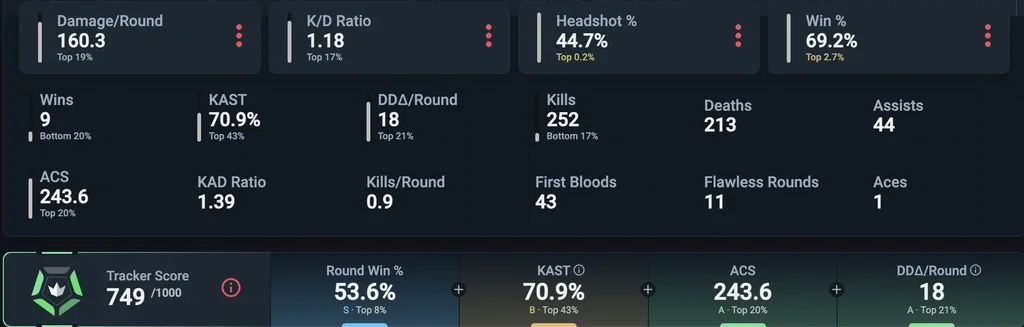
Throughout more than five years, I peaked at #956 on the EU leaderboard. I'm often called out for a >40% headshot percentage and above-average aim, even in the highest elo.
Gaining an Audience
With the aim I gained, I built close to 80k Followers on TikTok and a Discord community with 47,000+ Members.
What other established Players and Creators think
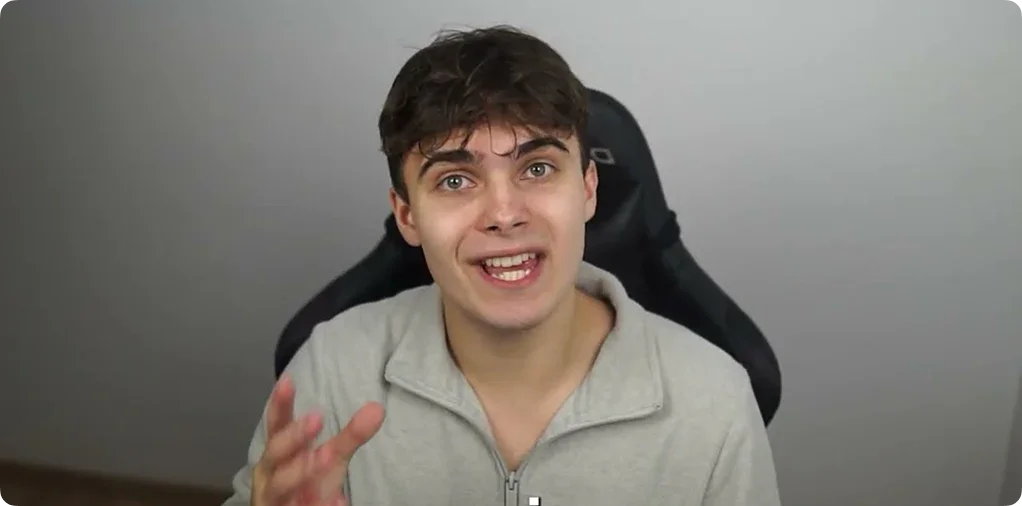
@TweakingGuy
Most successful PC Optimizer, 50k+ Followers
As someone always looking for an edge over my opponents, I found Custom Curve to be an interesting concept. Whaam is a true AIM expert - this guy can watch just a few minutes of your deathmatch and instantly improve your aim. It blows my mind how Whaam can change a few of your settings and make you a better player without you needing to grind for 1000s of hours in AimLabs.
@fyr.val
Content Creator, 250k+ Followers
Me and whaam have been mutuals and collaborating for a few years now and I can confidently say that he is the best Mouse Acceleration Coach out there. His aim is unmatched, and it's clear that he has a deep understanding of game mechanics. I haven't personally had his coaching services, but from what I've seen, I have no doubt that he would be an excellent coach. If you're looking for someone who truly knows the ins and outs of Mouse Acceleration and Custom Curve, whaam is your guy.
@charla7an
Professional Coach, 250k+ Followers
I personally don't use Mouse Acceleration, since I have been playing without it for more than a decade now. However, I firmly believe, that Mouse Acceleration can be very beneficial. Whaam was one of my students from my private Coaching lessons, so I have full trust in his capabilities, knowing that he is the most well-informed guy on this topic.
Three people who do this for a living already put their name on it. The only opinion left is yours.
Your aim, with the curve dialed inWhat a curve built for your hand looks like in game
Become the best version of your own aim with a curve built around your playstyle.
01Clean.
Your Aim feels more efficient. Going from A to B like on an oiled up Slip 'N Slide.
02Fast.
Your Aim feels intuitive and responsive. You aim where you want to, way more intuitively.
03Natural.
Your Aim feels like second nature. The gap between thought and reaction fades.
04Rank Up.
Your Aim isn't holding you back anymore.
You have seen what it should feel like. The one that matters is built on your hand, not anyone else's.
What you will notice with perfect personalized Custom Curve SettingsBased on the feedback of 1,500+ Clients
Better accuracy
Players that switch to Custom Curve and have settings that fit their playstyle report of a big increase in Headshot Percentage. Average for Radiant is around 25% – whereas Custom Curve users mostly report above 30%.
Upranking quickly
When mechanics hold you back and you fix that issue, you will be ranking up quicker than you realize – with a mentality that fits your mechanical excellence, of course.
Increased Confidence
Since you are now on the quickest route to making the most of your aiming abilities, your confidence will skyrocket – and confidence decides whether or not you win a fight by 80%. Combine that with your newfound aiming abilities, and you will be unstoppable.
Two Paths. One Choice.
Stay stuck
- Keep guessing your settings
- Never find your peak
- Watch others rank up
Improve
- Aim that feels natural
- Consistent headshots
- Rank up with confidence
It's your choice.
Frequently Asked Questions
Learn about Mouse Acceleration, Custom Curve, and how they can transform your aim.
Mouse Acceleration
Custom Curve
Still on Custom Curve 3? The free converter moves a .ccurve file to .cc4 and back.